
Create an agent
Create an agent and give it at least one connected capability.
Ask Mindra
Create with Mindra
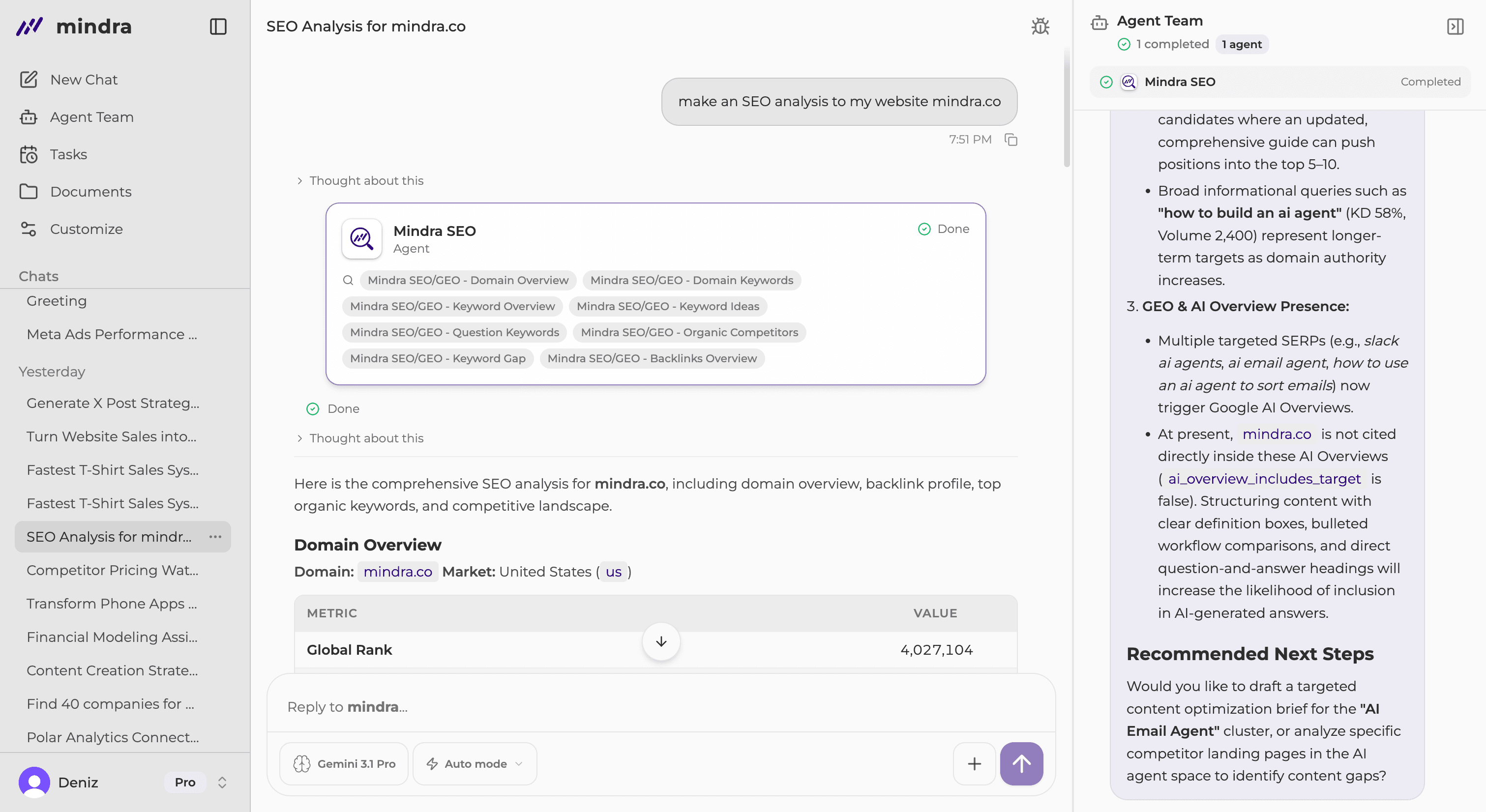
Describe the agent you need in any chat. You do not have to ask for an agent by name. When your request needs a reusable agent, Mindra starts the creation flow for you.
Answer any follow-up questions, then review the Created card and confirm the new agent under My Team.
You’re done when...
The Created agent card appears and the active agent is visible under Agent Team → My Team.
Troubleshooting
Mindra asks for more detail
Answer the follow-up questions so Mindra can choose the right capabilities and finish creating the agent.
An app needs connection
Complete Connect or Reconnect in the conversation, then continue the pending agent request.
A model is locked
Choose an available model or ask a workspace owner to review the plan.
The agent is not in My Team
Wait for the Created card, then refresh My Team. An unfinished follow-up question does not create the agent.